Creating a Seamless Transition from In-Class to Online in Flipped Learning
16 June 2026
Flipped learning has revolutionized education, allowing students to take control of their learning experience. But what happens when we need to shift from in-class to online learning? How do we ensure students stay engaged and motivated? Transitioning between these modes smoothly is crucial for maintaining the effectiveness of flipped learning.
In this article, we'll dive into practical strategies to ensure a seamless transition from in-class to online learning while keeping students at the heart of the experience. 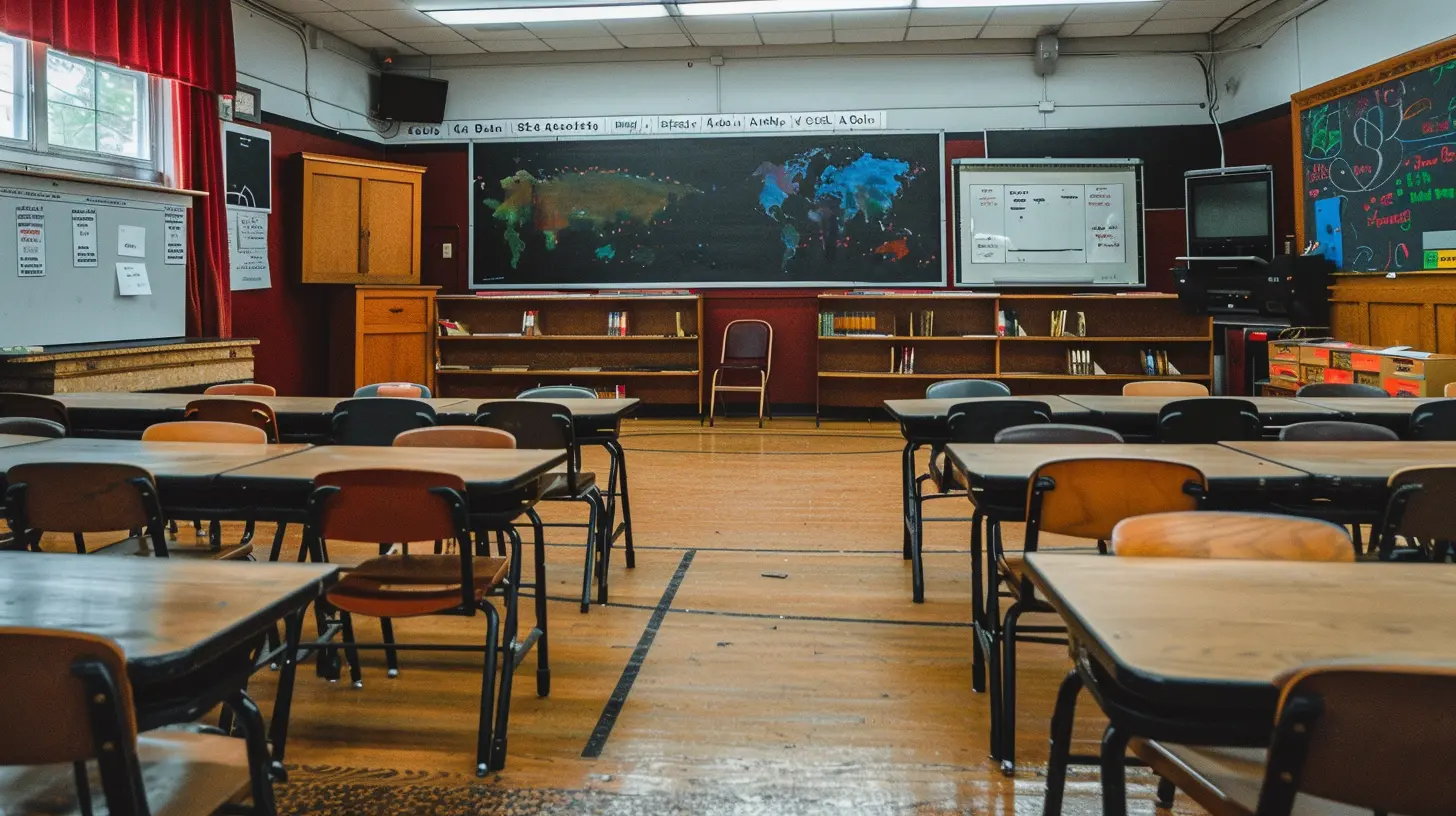
? Understanding Flipped Learning
Before we jump into the transition, let's quickly recap what flipped learning is all about.What is Flipped Learning?
Flipped learning flips the traditional classroom model. Instead of learning new concepts in class and practicing them at home, students first engage with the material outside of class—typically through videos, readings, or interactive activities. Then, in class, they apply what they've learned through discussions, problem-solving, and hands-on activities.Why Does Flipped Learning Work?
Flipped learning empowers students to learn at their own pace, review materials as needed, and engage in deeper discussions during class time. It encourages active learning, collaboration, and critical thinking—key ingredients for mastery.But when moving from an in-class flipped model to an online one, maintaining this active engagement can be tricky. Let's see how we can do it effectively! 
? Key Strategies for a Smooth Transition
1️⃣ Maintain a Clear Structure
One of the biggest challenges when shifting online is keeping students organized and on track. To ensure they don’t feel lost, keep your course structure simple and predictable.✔ Use a Learning Management System (LMS) – Platforms like Google Classroom, Moodle, or Canvas can help centralize materials, assignments, and discussions.
✔ Create a Weekly Roadmap – Post a clear schedule outlining what students should complete each week.
✔ Keep Instructions Concise – Avoid overwhelming students with lengthy explanations—be direct and to the point.
Having a structured approach will make the transition feel much smoother for both teachers and learners.
2️⃣ Keep Videos Short and Engaging
Online learning often relies on pre-recorded videos, but let’s be honest—long videos can be a snooze fest.✔ Aim for 5-10 minute videos – Research shows that shorter videos boost engagement and retention.
✔ Make it Interactive – Incorporate quizzes, reflection questions, or prompts to pause and think.
✔ Show Your Face – Facial expressions and body language add a personal touch and keep students connected.
When possible, add humor, storytelling, and relatable examples—this makes learning feel natural rather than just another lecture.
3️⃣ Foster Active Online Discussions
The beauty of flipped learning is the discussions and collaboration that happen in class. But can we replicate that online? Absolutely!✔ Use Discussion Forums – Platforms like Padlet, Flipgrid, or Edmodo encourage students to share thoughts and engage with peers.
✔ Host Live Q&A Sessions – Weekly Zoom or Google Meet sessions can bring back the classroom connection.
✔ Encourage Peer Feedback – Let students review and respond to each other’s work.
By keeping discussions alive, we ensure students remain engaged and aren’t just passively absorbing content.
4️⃣ Make Assignments Meaningful and Interactive
Assignments shouldn’t feel like robotic tasks—they should spark curiosity and creativity!✔ Encourage Multimedia Responses – Allow students to submit videos, podcasts, infographics, or blog posts.
✔ Incorporate Gamification – Use tools like Kahoot, Quizizz, or Classcraft to turn learning into a fun competition.
✔ Connect to Real Life – Assignments should have real-world relevance to keep students motivated.
Making assignments more engaging will boost student participation and make online learning much more dynamic.
5️⃣ Provide Regular Feedback and Support
Students need reassurance that they’re on the right track. In an online setting, proactive feedback is even more critical.✔ Offer Personalized Feedback – Use voice or video messages to make it more personal.
✔ Set Up Virtual Office Hours – Give students the opportunity to ask questions 1-on-1.
✔ Use AI Tools for Quick Feedback – Platforms like Grammarly, Turnitin, or Google Docs comments can streamline feedback.
Consistent feedback ensures students feel supported and confident in their learning journey. 
? Addressing Common Challenges
❌ Challenge: Students Feel Isolated
? Solution: Create virtual study groups or buddy systems to foster peer connections.❌ Challenge: Digital Fatigue
? Solution: Balance screen time with offline activities like journaling, reading, or hands-on projects.❌ Challenge: Lack of Motivation
? Solution: Set up small rewards, recognition systems, and encourage student-led activities to boost engagement.The key is to keep students feeling connected, valued, and inspired to learn! 
? Final Thoughts
Transitioning from in-class to online flipped learning doesn’t have to be overwhelming. By maintaining structure, creating engaging videos, fostering discussions, assigning meaningful tasks, and providing regular feedback, we can ensure a seamless shift that keeps students excited about learning.Flipped learning is about active participation, and with the right approach, online learning can be just as interactive and impactful as the classroom experience. So, let's embrace the change and make learning an adventure—whether online or in-person!
all images in this post were generated using AI tools
Category:
Flipped ClassroomAuthor:

Eva Barker
Discussion
rate this article
1 comments
Colette McAdams
Great insights! Transitioning from in-class to online learning can be tricky, but your tips on communication and flexibility really help. Engaging students in this process is key. Excited to see how these strategies make a difference!
June 19, 2026 at 2:47 AM