Promoting Collaboration in Virtual Classrooms: Effective Strategies
16 January 2026
Let’s face it—virtual classrooms aren’t going anywhere. With the rise of online learning, collaboration has taken a hit in many ways. The days of group huddles, passing notes, and bouncing ideas across the desk seem like relics of the past. But here's the good news: fostering collaboration in a digital space is not only possible—it can actually thrive with the right strategies.
In this article, we’ll dive into practical, real-world tactics that teachers, educators, and online course creators can use to boost collaboration in virtual classrooms. Whether you're teaching high school students or running college-level courses, these strategies can reshape your online class and turn passive learners into active team players.
Why Collaboration Matters in Online Learning
Before we jump into the “how,” let’s talk about the “why.” Why is collaboration so vital in education—especially online?Think back to your own school days. You didn’t just learn from textbooks or lectures. You learned from your peers, from debates, from group work, from making mistakes together. That’s the magic of collaboration—it brings learning to life.
In a virtual classroom, collaboration:
- Builds trust and communication skills.
- Encourages critical thinking and problem-solving.
- Drives motivation and accountability.
- Reduces feelings of isolation.
Bottom line? Collaboration isn’t just a bonus; it’s a necessity.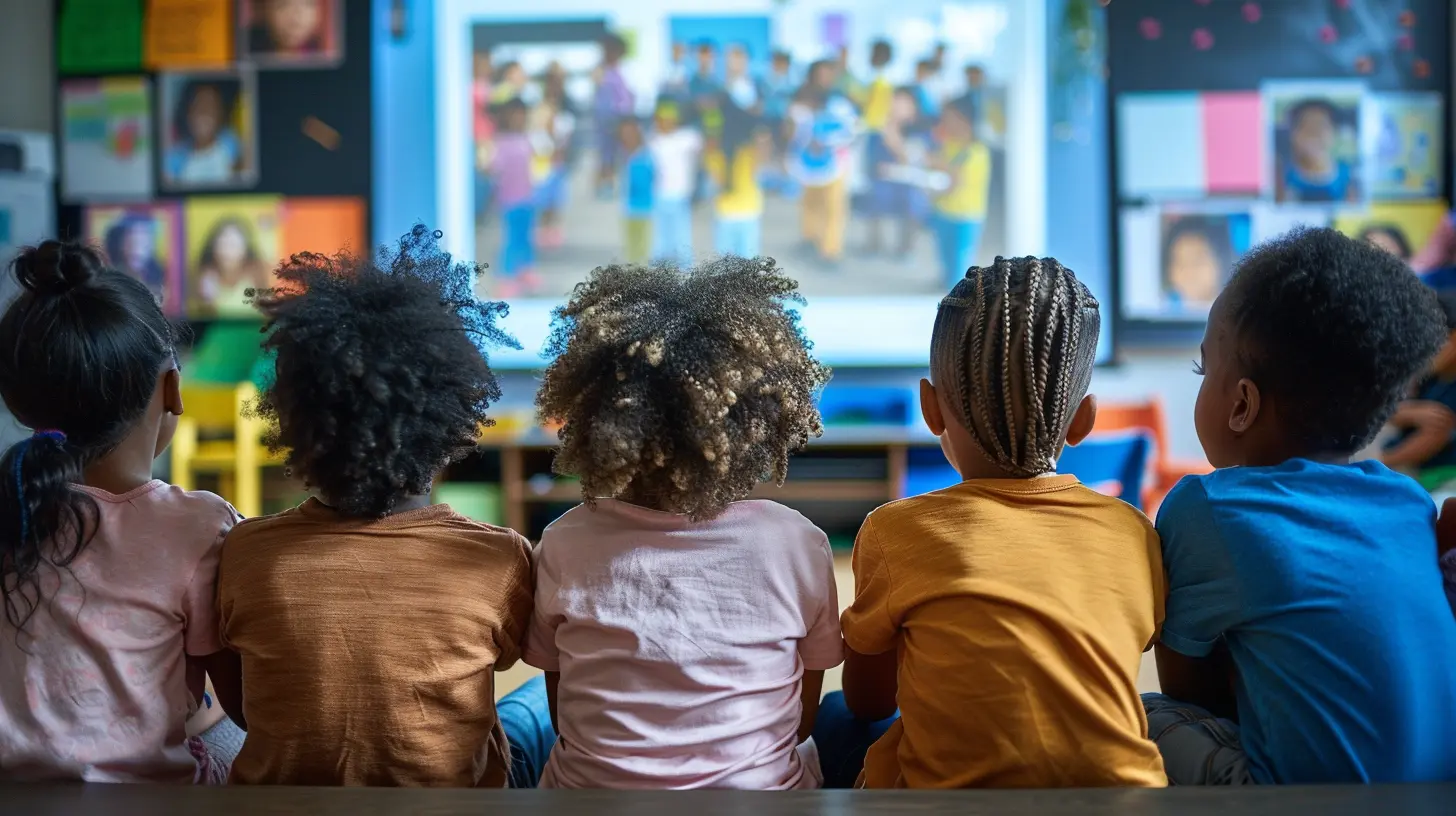
The Challenges of Virtual Collaboration
Alright, let’s address the elephant in the (virtual) room. Online collaboration doesn’t come naturally.Ever tried to get students to talk in a Zoom session? Cue: awkward silence.
There are real barriers, such as:
- Lack of face-to-face interaction – Body language and non-verbal cues are missing.
- Time zone differences – Coordinating real-time group work can be tricky.
- Tech hiccups – Not everyone has reliable internet or devices.
- Disengagement – It’s easy to zone out when you’re behind a screen.
These obstacles are legit. But the great news? They can be overcome.
Strategy 1: Set the Stage for Connection
You can’t expect students to collaborate effectively if they don’t even know each other. Building rapport is everything. So, start by setting the tone early.Ideas to Break the Ice:
- Virtual Introductions – Have everyone create a quick video intro or fun bio slide about themselves.- Two Truths and a Lie – Classic game, digital twist.
- Buddy Systems – Pair students randomly each week for a quick check-in (via chat, email, or video call).
These simple activities warm up the virtual room and help students feel more connected.
Strategy 2: Use the Right Collaboration Tools
You wouldn’t build a house without tools, right? Same goes for virtual collaboration.Here’s a toolkit of go-to platforms that make online teamwork a breeze:
- Google Workspace (Docs, Slides, Sheets) – Perfect for real-time editing and brainstorming.
- Padlet – Think of it like a digital bulletin board where everyone can post ideas, links, or images.
- Jamboard – An interactive whiteboard that’s great for visual learners.
- Flip – Formerly Flipgrid, this tool lets students respond to prompts with video messages. Wonderful for shy students who hate live speaking.
- Slack or Discord – Great for older students or college learners to chat asynchronously in channels.
The key here? Use platforms that are user-friendly and don’t overwhelm students. Less is more!
Strategy 3: Make Group Work Purposeful
We’ve all been there—group work where one person does it all while the others coast. The trick is to make collaboration meaningful and structured.How to Do That:
- Assign clear roles – Think leader, note-taker, researcher, presenter.- Define goals and deadlines – No one likes vague instructions. Be crystal clear.
- Use rubrics – Let students know how they’ll be assessed as a group and individually.
And here’s a pro tip: Give students a chance to reflect on their group experience afterward. What went well? What didn’t? This reinforces accountability and growth.
Strategy 4: Incorporate Peer-to-Peer Learning
You don’t always have to be the one doing the talking. In fact, students often learn better from each other. That’s where peer-to-peer learning comes in.Try These Approaches:
- Discussion Boards – Create forums based on weekly topics; require students to comment on each other’s posts.- Peer Review Assignments – Let students read and give feedback on each other’s work.
- Breakout Rooms – Use Zoom or Teams to separate students into small groups for brainstorming or problem-solving.
Let students teach one another. It builds confidence and deepens understanding in a way lectures can’t always do.
Strategy 5: Foster a Safe and Inclusive Environment
No one wants to share ideas in a space where they feel judged or excluded.Creating a safe and inclusive virtual space is critical to encourage participation. Here's how you can do that:
- Set ground rules – Respect, responsibility, and openness go a long way.
- Celebrate diverse perspectives – Encourage students to share unique cultural or personal insights.
- Practice empathy – Remind students (and yourself) that everyone’s learning curve and comfort zone are different.
The more emotionally safe a student feels, the more likely they’ll be to contribute meaningfully.
Strategy 6: Blend Synchronous and Asynchronous Activities
Not everyone’s schedule lines up perfectly. Blending live sessions with self-paced tasks can increase participation.Examples:
- Live brainstorming sessions + Asynchronous project development- Recorded mini-lectures + Forum discussions
- Live debates + Written reflections
This approach keeps everyone in the loop, regardless of where or when they’re logging in.
Strategy 7: Encourage Continuous Feedback
If collaboration isn’t going well, the best way to find out is… wait for it… ask your students!Use regular (and simple) feedback tools:
- Create quick surveys via Google Forms.
- Use polling tools like Mentimeter or Poll Everywhere during classes.
- Have open office hours or check-in chats.
Make it part of the routine, not just a one-time thing. Students feel heard, and you gain insights to enhance your teaching.
Strategy 8: Make It Fun!
Who said learning can’t be fun?Gamify teamwork wherever possible. Add challenges, leaderboards, or rewards for collaborative achievements.
Here’s a twist:
- Escape Rooms – Make virtual “breakout” games based on the lesson.
- Trivia Battles – Divide the class into teams and quiz them.
- Badges and Praise – Spotlight outstanding teamwork in your class announcements or emails.
When students are having fun, collaboration happens organically.
Final Thoughts
Promoting collaboration in virtual classrooms doesn’t have to feel like pulling teeth. When you build connection, set clear expectations, and use the right tools, magic happens. Students start to engage, support one another, and grow together—even miles apart.Your role as an educator is part teacher, part facilitator, and part cheerleader. So, try out these strategies, tweak them to fit your classroom, and see what transforms. Because virtual or not, learning is always better when we do it together.
all images in this post were generated using AI tools
Category:
Teaching StrategiesAuthor:

Eva Barker
Discussion
rate this article
2 comments
Porter Wilkerson
Collaboration in virtual classrooms transforms learning; let’s embrace these powerful strategies wholeheartedly!
February 6, 2026 at 5:12 AM
Eva Barker
Thank you! I completely agree—embracing collaboration enhances engagement and fosters deeper learning in virtual classrooms.
Elias Clarke
Virtual collaboration thrives on creativity; let’s transform screens into bridges, not barriers. Engage, innovate, and watch learning flourish!
January 16, 2026 at 1:57 PM
Eva Barker
Absolutely! Embracing creativity in virtual collaboration can truly enhance engagement and foster a thriving learning environment. Let’s build those bridges!