Using Data to Drive Instruction in a Flipped Classroom
12 June 2026
Imagine walking into a classroom where students are already primed with curiosity, engaged in hands-on activities, and asking the kinds of questions that make you say, “Wow, they’re really getting it!” That’s the beauty of a flipped classroom. Now, pair that with the power of data, and you’ve got a teaching engine that doesn’t just hum—it roars.
In this article, we’ll dive into how you can use data to drive instruction in a flipped classroom setting. Whether you're a veteran educator or just starting out, the mix of data and flipped learning can make teaching more personalized, efficient, and, let’s be honest, a lot more fun.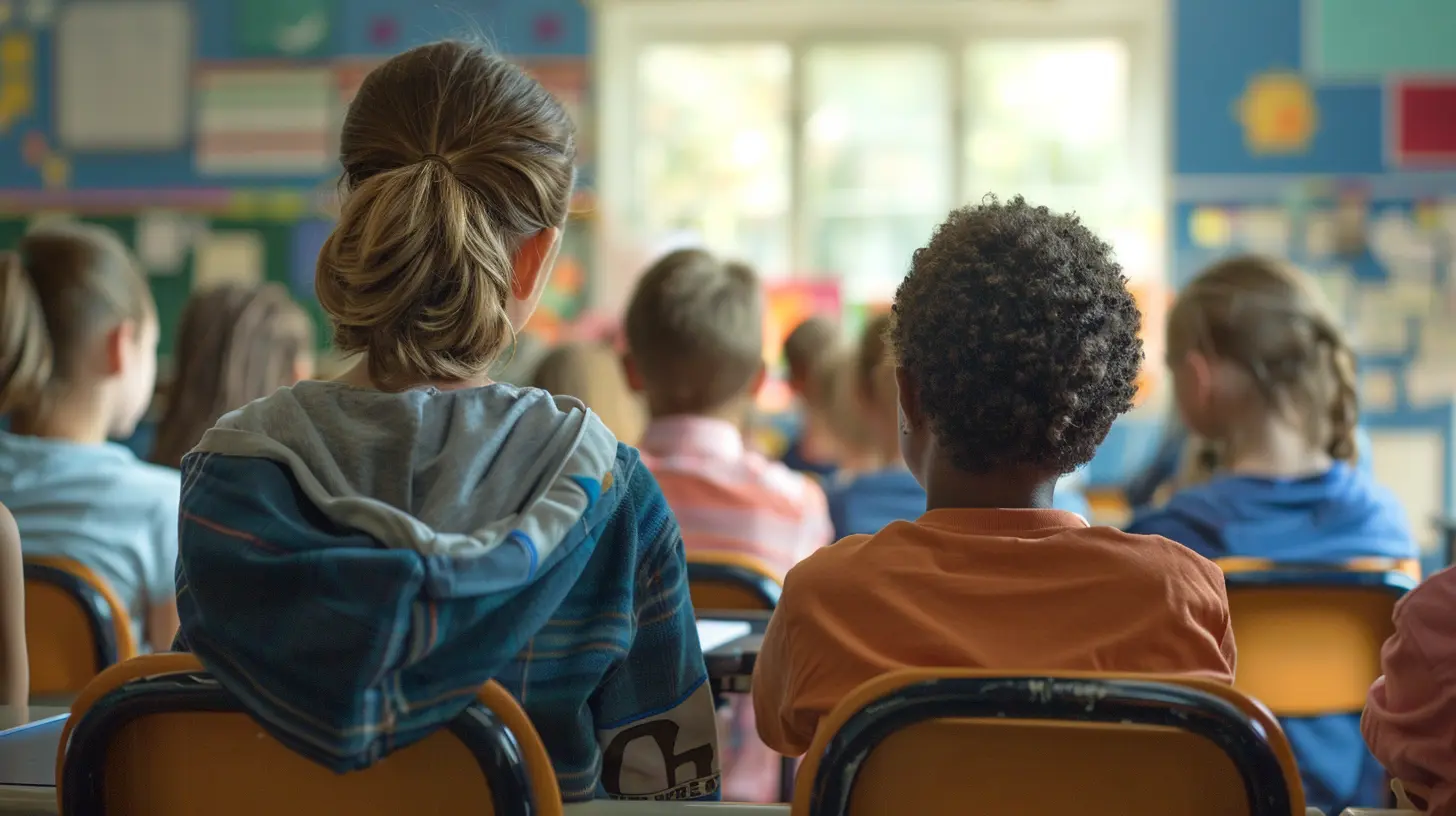
What Is a Flipped Classroom Anyway?
Before we start crunching numbers, let’s clear up what a flipped classroom actually is. In traditional classrooms, we teach during class and assign practice (like homework) for after. The flipped model… flips that.Here’s the simple breakdown:
- Students watch lectures or review content at home (through videos, readings, or interactive modules).
- Class time is used for active learning, like discussions, group work, problem-solving, labs—you name it.
It's like letting students prep for the big game at home so that, when they hit the field (aka your classroom), they’re ready to play hard and smart.
Why Data Matters in a Flipped Classroom
Here’s the magic sauce: data. Without it, flipping your classroom is just an experiment. With it, you're not just guessing—you’re making strategic decisions.Think of it this way: if your class is a ship, data is your compass. Sure, you might make it to the destination without one, but wouldn’t you rather know exactly where you're headed?
So, What Kind of Data Are We Talking About?
- Pre-class engagement data: Did students actually watch the video? How far did they get?- Quiz or formative assessment data: Did they understand the material before class?
- In-class participation: Who’s engaging during group work? Who’s holding back?
- Post-class assessments: Are students showing growth?
Every click, view, quiz attempt, and question asked tells a story. Your job? Read that story and use it to guide your instruction.
Setting the Stage: Collecting Pre-Class Data
Alright, step one: gathering data before students even walk through the door.Use Video Analytics
If you're assigning video lessons (which is kind of the heart of flipped learning), choose platforms that provide analytics—like Edpuzzle, Loom, or even YouTube Studio.You can track:
- Who watched the video
- How much they watched
- Where they paused or re-watched sections
This helps you pinpoint which topics need reinforcement. If everyone rewatches minute 03:45 in your math tutorial three times? That’s probably a tricky spot.
Add Embedded Questions
Tools like Edpuzzle or Nearpod let you embed questions directly into the video. This is gold.Why?
You’re not only seeing if they watched, but if they understood. It’s like sneaking in a mini-quiz without the test anxiety.
Using Formative Assessments for Real-Time Insight
Formative assessments are small, low-stakes check-ins. Think quick quizzes, polls, reflections, or exit tickets.When done right, they offer powerful, actionable data.
Do This Before Class
Send out a quick quiz the night before your class. Use Google Forms, Kahoot!, or Quizizz.Ask questions that align with your video or reading. This gives you a heat map of understanding before you even greet your students.
Walking into class with that info? You can rearrange your groups, tailor your activities, and give more attention to the students who need it most.
Like a coach watching game tape before match day—you know exactly where to focus.
Making the Most of In-Class Time with Data
Now comes the fun part: class time. This is where flipped learning shines, and where data can truly supercharge your teaching.Group Students Strategically
Use your pre-class data to form groups.- Struggling students together: They might benefit from a small group reteaching session.
- Mixed-ability groups: Let stronger students explain concepts to peers.
- Advanced learners: Give them challenge problems or enrichment tasks.
Nothing’s random. You’re not shuffling a deck—you’re handcrafting learning pods based on evidence.
Monitor In-Class Engagement
As students work, take notes. Not just mental ones—real ones.Create a simple checklist or grid with students’ names and jot down:
- Who’s asking good questions?
- Who seems lost?
- Who’s leading the group?
You’re collecting anecdotal data in real time. This can guide your next steps or your next video if you notice common misunderstandings.
Remember, data doesn’t always mean numbers. Observations count, too.
Post-Class Reflection: Turning Data into Action
Once class ends, the learning (and data gathering) doesn’t stop.Use Exit Tickets
Before the bell rings, ask students to share:- The most important thing they learned
- A question they still have
- A concept they found confusing
This can be on paper or digital. The key is to collect actionable data to inform your next lesson.
Analyze Performance Data
Weekly quizzes or unit tests? That’s your treasure chest of insight.Break it down:
- Which questions did most students miss?
- Are there trends across classes or individual students?
- Do mistakes show a lack of understanding, or just careless errors?
Plot this out. Look for patterns. Then adjust. Always adjust.
Adjusting Instruction Based on Data
Here’s where the rubber meets the road.Re-teach Differently
If data screams “we didn’t get this,” don’t just repeat the same explanation. Change how you teach it.- Use manipulatives
- Try a real-world example
- Flip roles—let students teach each other
Personalize Learning Paths
Data lets you personalize without creating 30 different lesson plans.- Student A needs more video instruction
- Student B needs hands-on practice
- Student C is ready for extension activities
You’re no longer teaching to the middle—you’re teaching to the individual.
Tools That Help You Track and Use Data
Let’s be honest, all this can sound overwhelming. But the right tools make it manageable. Here are a few teacher-approved platforms:- Edpuzzle – Embed questions in videos, track engagement
- Flip (formerly Flipgrid) – Get video responses for reflection
- Google Forms – Quick quizzes with instant feedback
- Kahoot!/Quizizz/Quizlet – Fun, student-friendly assessment tools
- Classkick – See student work in real time
- GoGuardian – Monitor student activity during digital lessons
Use what works for your style. Don’t adopt every tool—start small.
A Quick Word on Data Privacy
It's not all fun and graphs. We’ve got to respect students’ data.- Use platforms with strong privacy policies
- Talk to your students about why you’re collecting data
- Never share individual data publicly
Think of yourself as a data guardian, not a data detective.
The Human Side of a Data-Driven Flipped Classroom
One last thing—remember, behind every data point is a student. A real human. A young learner with fears, dreams, and quirks.Data doesn’t replace your gut as a teacher—it enhances it. Use data to ask better questions, not to make final judgments.
You’re not just teaching content—you’re guiding learners. And when you use data thoughtfully in a flipped classroom, you give each student a better shot at success.
Final Thoughts
Using data to drive instruction in a flipped classroom isn’t about becoming a robot-teacher crunching spreadsheets. It’s about becoming a more informed, reflective, and responsive educator.When you blend the flexibility of flipped learning with the precision of data, you’re not just teaching smarter—you’re connecting deeper.
So go ahead—flip your classroom, but don’t forget to flip the script on how you use data. Your students (and your future self) will thank you.
all images in this post were generated using AI tools
Category:
Flipped ClassroomAuthor:

Eva Barker
Discussion
rate this article
1 comments
Liam Chavez
Great insights for effective teaching!
June 26, 2026 at 11:13 AM
Eva Barker
Thank you! I'm glad you found it helpful.