Essential Tech Tools for a Smooth Flipped Classroom in 2027
4 May 2026
Let me ask you something: Have you ever tried to teach a lesson where half the class watched the video, a quarter skimmed it, and the other three kids just stared at you like you were speaking Klingon? Yeah, I've been there too. The flipped classroom model sounds amazing on paper - students learn at home, you do the heavy lifting together in class. But by 2027, if you're still relying on a clunky YouTube playlist and a shared Google Doc, you're leaving a lot on the table. The tech has evolved, and so should your toolkit. This isn't about piling on more apps; it's about choosing the right ones that make the flip feel less like a circus act and more like a well-oiled machine.
I've spent the last few years watching classrooms transform, and I've narrowed down the essential tech tools that will make your flipped classroom in 2027 not just smooth, but genuinely joyful. Let's dig in.

Why 2027 Changes the Game
Think of the flipped classroom as a seesaw. On one end, you have the at-home content - the videos, readings, and quizzes. On the other end, you have the in-class application - the projects, debates, and problem-solving. For years, the seesaw has been wobbly because the at-home side felt like a lonely island. Students watched a video, maybe took a note, and then forgot everything by the next morning. By 2027, the tech has finally caught up to bridge that gap. We're talking about tools that don't just deliver content but actually connect the two ends of the seesaw in real time. No more guessing who actually watched the video. No more wasting the first ten minutes of class re-explaining the basics. It's about creating a seamless loop where home and school talk to each other.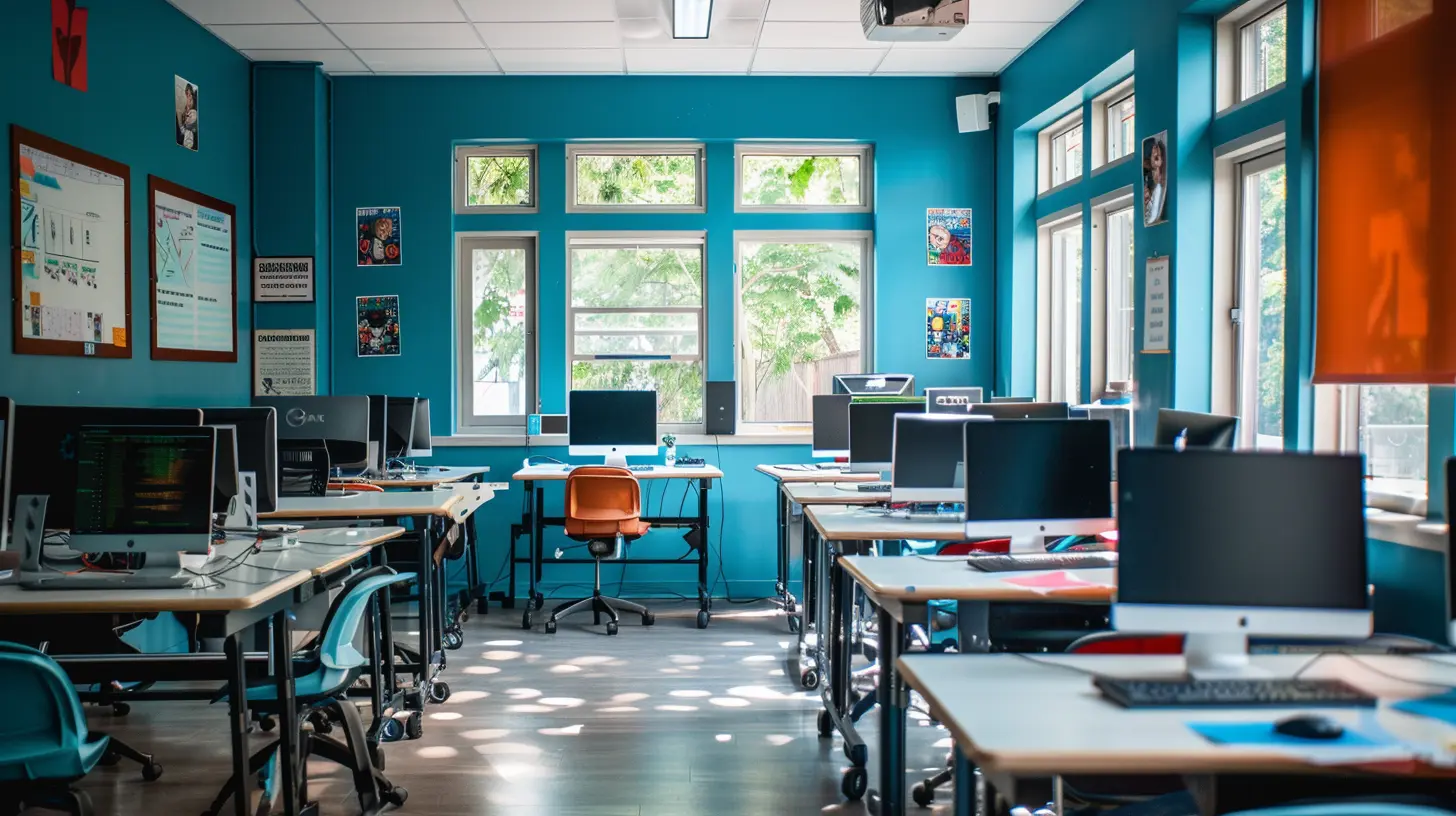
The Core Video Platform: More Than Just Play and Pause
Let's start with the heart of any flipped classroom: video. In 2025, you could get away with a simple recording. But by 2027, your students expect interactivity baked right into the video itself. I'm talking about platforms like Edpuzzle or PlayPosit on steroids. These aren't your older siblings' tools anymore. They now use AI to automatically generate quiz questions at key moments in your video. You record a ten-minute lecture on the water cycle, and the tool adds a pop-up question after you mention evaporation. The student can't skip it. They have to answer before the video moves forward.Here's where it gets good: In 2027, these platforms offer real-time analytics that show you not just who watched the video, but how they watched it. Did they rewind that section on condensation three times? Did they pause and take a screenshot? Did they answer the question wrong and then immediately rewatch the segment? That data is gold. You walk into class knowing exactly which concepts need more airtime. No more guessing games. It's like having a backstage pass to your students' brains.
And the best part? These tools now integrate with your Learning Management System (LMS) without any headaches. You assign the video, it auto-syncs, and the grades flow right into your gradebook. Bye-bye, manual data entry. Hello, sleep.
Interactive Note-Taking: Turning Passive Viewers into Active Learners
You know the classic problem: students watch a video, take zero notes, and then claim they "watched it." In 2027, we have a better way. Tools like Notion for Education or Obsidian have become the go-to for flipped classrooms. But here's the twist - they aren't just digital notebooks. They now come with "video companion" features. Imagine a student watching your video in a split-screen window. On the right side, a dynamic note-taking template pops up. It asks them to summarize the main point in their own words, draw a quick diagram, or connect the idea to something they already know.The magic happens when these notes are automatically shared with you. You can see their raw thinking. Did they write "I don't get it" next to the part about photosynthesis? You know exactly where to start your in-class discussion. It transforms note-taking from a chore into a conversation starter. Plus, these tools use AI to suggest connections between different lessons. A student studying the American Revolution might see a pop-up that says, "Remember the French Revolution? Compare the causes." It's like having a personal tutor whispering in their ear.

The Async Discussion Hub: Where Questions Don't Die
One of the biggest pain points in a flipped classroom is the lag between watching the video and the class discussion. Students have questions at 8 PM, but you're asleep. They forget them by morning. In 2027, tools like Flipgrid (which has evolved into something much richer) or Loom with Comments solve this. Students can record a quick video question - maybe they're stuck on a math problem or confused about a historical event. They post it to a class board. Then, here's the kicker: other students can reply with their own video explanations before you even wake up.This creates a peer-driven learning ecosystem. You become the manager of the conversation, not the sole answer machine. And because the responses are video-based, you can see the emotion and confusion in real time. A student's furrowed brow tells you more than a text message ever could. By the time you walk into class, the most common questions are already addressed. You just need to fine-tune the nuance.
AI-Powered Personalized Pathways
Let's talk about the elephant in the room: differentiation. In a traditional flipped classroom, every student watches the same video. But by 2027, we know that's a recipe for disaster. Some kids need more scaffolding, others need a challenge. Enter AI tools like Khanmigo or Magic School AI that have been fine-tuned for the flipped model. These platforms can analyze a student's performance on the at-home quiz and automatically generate a personalized playlist for them.Imagine this: Student A aces the quiz on quadratic equations. The AI says, "Great, let's skip the next video and jump straight to the application problem." Student B struggles. The AI generates a five-minute mini-lesson that re-explains the concept using a different analogy - maybe baking cookies instead of abstract numbers. Both students get what they need without you having to create three separate videos. It's like having a teaching assistant who never sleeps and never complains about the coffee.
Real-Time Collaboration: The In-Class Superpower
Now, let's shift to the classroom. The whole point of flipping is to use class time for deep work. In 2027, tools like Miro or FigJam have become the standard for collaborative problem-solving. These aren't just whiteboards; they are living documents where students can drop sticky notes, draw diagrams, and even embed video clips from their at-home work. You can start class with a prompt: "Based on last night's video, map out the causes of World War I in this shared space."The burstiness here is key. Students can work simultaneously, see each other's ideas in real time, and build off each other's thinking. You can walk around the room, drop in on a group's board, and leave a voice note or a quick annotation. It's like having a giant digital campfire where everyone contributes logs. And because the board is saved, you can revisit it weeks later for review. No more lost sticky notes or faded chart paper.
The Assessment Loop: Instant Feedback Without the Grading Pile
Let's be honest: grading is the part that makes most teachers want to cry. In a flipped classroom, you need quick checks to see if the at-home work stuck. By 2027, tools like Quizizz and Blooket have evolved beyond simple games. They now offer "adaptive assessments" that change difficulty based on student responses. You can assign a five-question check-in at the start of class. The tool analyzes the results in seconds and gives you a heat map of your room. Green means ready to move on. Red means we need to hit pause.But here's the human touch: you don't just look at the data. You use it to form small groups. The three students who got the question about mitosis wrong? They sit with you for a quick re-teach. The five who aced it? They get a challenge question to explore deeper. The tool handles the logistics; you handle the relationships. It's the perfect marriage of efficiency and empathy.
The Parent Connection: No More Guesswork
One silent killer of the flipped classroom is the parent who has no idea what's happening. They see their kid watching a video at 9 PM and wonder, "Is this homework?" In 2027, tools like ClassDojo or ParentSquare have added "flipped classroom dashboards." Parents get a weekly summary: "Your child watched 85% of the video on fractions. They scored 70% on the quiz. The concept they struggled with is 'improper fractions.' Here's a two-minute video you can watch together."This turns parents from passive observers into active partners. They don't need to be experts in the subject. They just need to know where to focus their support. And because the dashboard is automated, you don't have to write a single email. The tool does the heavy lifting, and you get to keep your sanity.
Avoiding the Tech Trap: Keep It Human
Now, I have to be real with you. All these tools are fantastic, but they can also become a crutch. The biggest mistake I see teachers make in 2027 is overloading their students with platforms. You don't need five different apps. Pick two or three that cover the core: video with embedded questions, collaborative in-class workspace, and a quick assessment tool. That's it. The rest is noise.Think of your tech stack like a kitchen knife. You don't need a drawer full of 15 different blades. You need a chef's knife, a paring knife, and maybe a serrated one for bread. Anything more just clutters the counter. Your students don't need to log into six different accounts every night. They need a clean, simple workflow that lets them focus on learning, not on remembering passwords.
The Human Element: Why You Still Matter Most
Here's the secret that no tool can replace: you. In 2027, the tech handles the logistics, the analytics, and the personalization. But you bring the warmth, the humor, the "aha" moments, and the connection. When a student watches a video at home and then walks into your classroom, they should feel like they're entering a space where their confusion is welcome. The tech can tell you what they don't know, but only you can tell them that it's okay to not know.Use the saved time from grading and planning to do the real work: building relationships. Sit with a student who's struggling. Ask them about their weekend. Laugh at a silly mistake. The flipped classroom model, when paired with the right tools, gives you back your most precious resource - time. Spend it on the people in front of you, not on the paperwork.
Final Thoughts: The Smooth Ride Awaits
The flipped classroom of 2027 isn't about being perfect. It's about being prepared. The tools I've shared are designed to take the friction out of the flip - the awkward transitions, the forgotten videos, the confused parents. They create a rhythm where the learning flows naturally from home to school and back again. You'll still have days where the Wi-Fi goes down or a student forgets their login. That's part of the gig. But with the right foundation, those days become exceptions, not the rule.So, take a deep breath. Pick one tool to try this week. Maybe it's the interactive video platform. Maybe it's the collaborative whiteboard. Start small. Let the tech do the heavy lifting while you focus on the magic that only you can create. Your students will thank you. And honestly? You'll thank yourself when you're not drowning in grading at midnight.
You've got this. The tools are ready. Now go flip that classroom like a pro.
all images in this post were generated using AI tools
Category:
Flipped ClassroomAuthor:

Eva Barker
Discussion
rate this article
2 comments
Fletcher Erickson
This article highlights crucial tech tools for enhancing the flipped classroom model. As education evolves, the integration of interactive platforms and personalized learning resources will be vital. Emphasizing adaptability and student engagement through technology can truly transform the learning experience, making it more effective and relevant for future generations.
May 21, 2026 at 12:53 PM
Eva Barker
Thanks for your insights. I agree that adaptability and student engagement are key to a successful flipped classroom. The right tech tools can make all the difference in creating an impactful learning experience.
Merida McLanahan
This article is a fantastic resource for educators looking to enhance their flipped classroom experience. The tech tools highlighted are innovative and practical, making it easier for teachers and students to engage and collaborate effectively. Great insights!
May 15, 2026 at 2:34 AM
Eva Barker
Thank you for the kind words! I'm glad you found the insights helpful for enhancing the flipped classroom experience.