Creating an Inclusive Flipped Classroom for Diverse Learners
21 July 2026
Gone are the days when a teacher stood in front of a class lecturing while students passively took notes. The flipped classroom has turned that model upside down (literally). But here's the thing—while flipping a classroom can offer huge advantages, if we’re not careful, it can leave some students behind.
So how do we make sure everyone—regardless of learning style, background, or ability—feels welcome and set up for success in a flipped classroom? Let’s dive into that, shall we?

What Is a Flipped Classroom Anyway?
Let’s clear the air for a second. A flipped classroom isn’t about flipping chairs or spinning whiteboards (tempting, though). It’s a teaching model where students first explore new concepts outside of class—often through videos, podcasts, or readings—and then use classroom time for discussion, problem-solving, and hands-on activities.Think of it like watching movie trailers at home before discussing the plot twists and acting techniques with your friends at the theater. You’re not wasting time watching the whole movie in the cinema—you’re using the time to connect, reflect, and really dig in.
Why Inclusion Matters More Than Ever
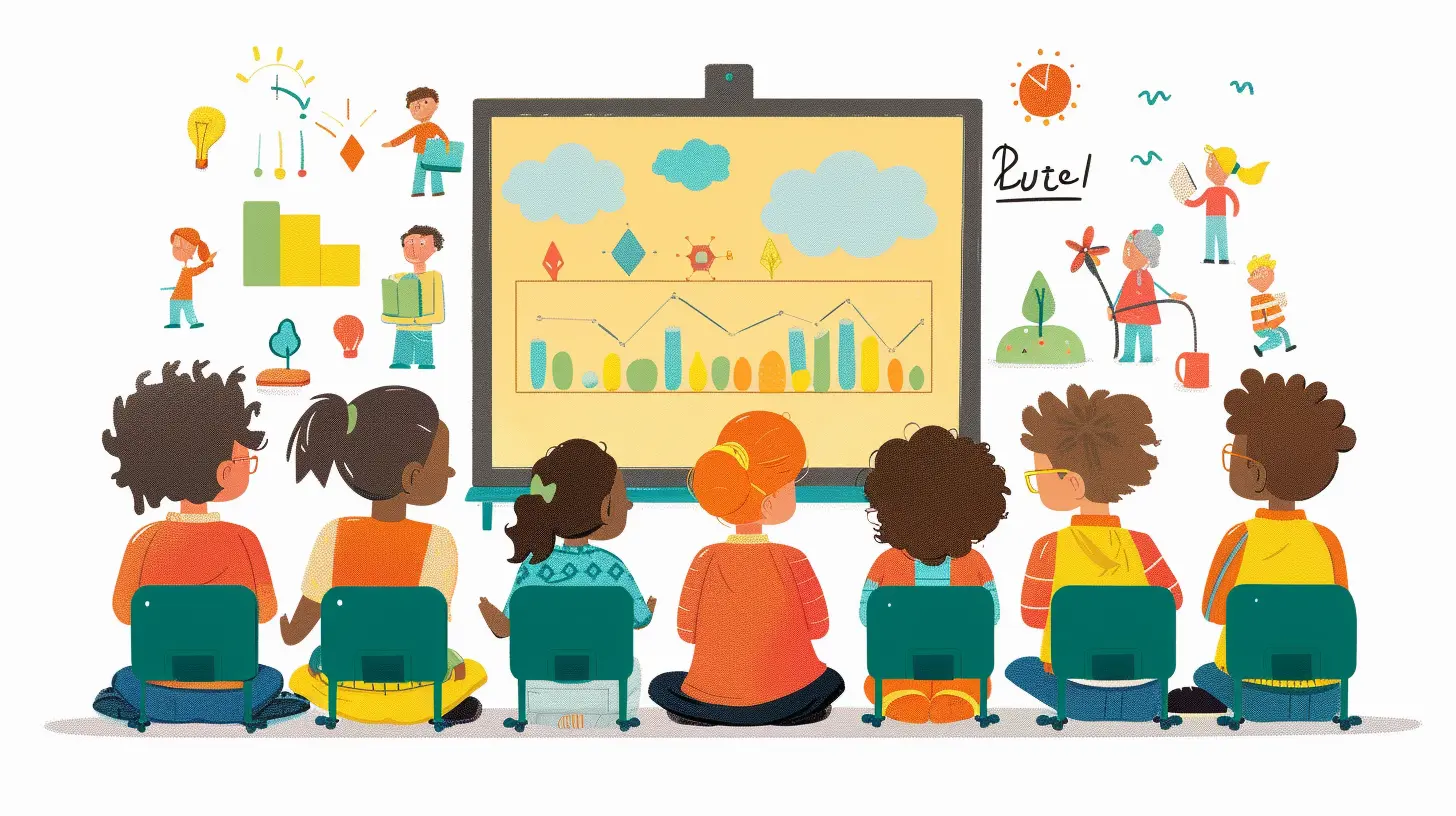
In every classroom, you’re going to find a mix of learners—visual, auditory, kinesthetic, neurodiverse, multilingual, and everything in between. Now add in students with disabilities, those from marginalized communities, those with different socioeconomic backgrounds... you get the picture.An inclusive classroom is one that takes all these differences into account and builds a space where everyone can thrive.
And in a flipped model, inclusion has to be a top priority. Why? Because students are expected to take more ownership of their learning. That means the resources they access, the pace at which they learn, and the support they get all play a huge role.
The Challenges Diverse Learners Face in a Flipped Classroom
Before we talk solutions, let's get real about some of the bumps in the road:1. Tech Access (Or Lack Thereof)
Not every student has a reliable internet connection, a quiet study space, or a device that can stream a 30-minute video without buffering for eternity.2. Language Barriers
For English language learners, a fast-talking video without subtitles can be just as baffling as a Shakespeare play without context.3. Learning Disabilities
Students with ADHD, dyslexia, or processing disorders may struggle to focus on digital content or retain information without extra support.4. Lack of Motivation or Structure
Not all students have the self-discipline to keep up with flipped content on their own. Some need guidance, structure, or even just encouragement to get started.So, how do we create an inclusive flipped classroom that doesn’t leave anyone in the dust?

Practical Strategies to Make Your Flipped Classroom Inclusive
1. Offer Multiple Ways to Access Content
Not everyone learns the same way, and that’s okay! The key is to provide different entry points for students to understand the material.- Use videos, but also offer transcripts and audio-only versions.
- Provide written summaries or infographics.
- Allow students to choose the format that works best for them.
? Pro tip: Use Universal Design for Learning (UDL) principles. These suggest giving students multiple means of representation (how content is delivered), expression (how they show understanding), and engagement (how they interact with the content).
2. Keep Videos Short and Sweet
Long videos = zoning out. Especially for students with attention challenges.Aim for videos that are 6–10 minutes long, max. Chunk information into digestible pieces and consider breaking longer lessons into mini-series.
Also—add pause points. Insert questions, prompts, or even silly jokes to keep engagement up.
3. Caption Everything
Seriously. Everything.Captions help not only students with hearing impairments but also English language learners and those who just prefer reading along. Bonus: they boost comprehension for all learners.
And don’t stop at videos. Transcribe audio files and provide alt-text for images too.
4. Provide Clear Instructions and Expectations
No one likes playing a game without knowing the rules.Before assigning flipped materials, explain the purpose. What should students learn? How will they use it in class? What’s expected of them?
Creating a simple checklist or video walkthrough can make a world of difference for students who struggle with executive functioning.
5. Build In Choice and Flexibility
Let students take some control over how they learn and show what they’ve learned.- Offer options for demonstrating knowledge—like creating a podcast, writing a blog, or designing a poster.
- Let them choose when they watch videos (within a deadline window).
- Allow different collaboration styles—some might prefer solo work while others need peer discussion.
Choice empowers students and makes them feel seen and respected.
6. Foster a Safe, Supportive Learning Environment
This one’s big.Create a culture where students feel okay asking questions, making mistakes, and being themselves. Start discussions by saying, “There are no dumb questions,” or “Let’s figure this out together.”
Encourage diverse voices. Rotate discussion leaders. Use inclusive language. Celebrate different cultures, perspectives, and achievements.
? Remember: “Inclusive” doesn’t mean “treat everyone the same.” It means giving everyone what they need to succeed.
7. Use Formative Assessments (A Lot)
Flipped classrooms thrive on feedback.Use quick polls, online quizzes, 1:1 check-ins, or even sticky note reflections to gauge understanding. These bite-sized assessments can help you spot who’s soaring and who needs extra support.
And here's the magic: formative assessments don’t have to feel like tests. Make them playful, creative, and meaningful.
8. Be Available for Support (And Encourage Peer Support Too)
Students should never feel like they’re on their own island.Host virtual office hours, use discussion boards, or have peer mentors available for those who need help after watching a video or completing a task.
Better yet, create a “Buddy System” or study groups so students can support each other, share ideas, and feel part of a community.
9. Collaborate with Support Staff and Families
Inclusion is a team effort.Work with special education teachers, ESL coordinators, counselors, and families to understand what specific students might need.
If a student’s struggling, don’t wait. Reach out. Sometimes a small tweak in how a lesson is delivered can change everything.
Tech Tools That Can Help (Without Overwhelming)
Let’s be honest—edtech can either be your best friend or a total headache.Here are some tools that support inclusion in a flipped classroom (and won’t require a Ph.D. in coding):
- Edpuzzle – Embed questions directly into videos. Great for engagement and checking understanding.
- Flipgrid – Gives students a voice to respond with short videos. Perfect for shy or verbal learners.
- Padlet – Like an online sticky note board. Great for collaborative brainstorming.
- Google Classroom – Organize materials, communicate easily, and integrate with a bunch of other tools.
- Canva for Education – Let students create visual presentations, posters, or infographics.
- Microsoft Immersive Reader – Offers text-to-speech, translations, and other supports.
? The golden rule? Keep it simple and consistent. Too many platforms = tech fatigue.
Reflecting and Adapting: The Heart of Inclusion
Creating an inclusive flipped classroom isn’t a one-and-done kind of thing.It’s an ongoing process of listening, adapting, and growing. Every class is different, every student is unique. What works this term might not work next term—and that’s okay.
Regularly ask for feedback: What’s working? What’s confusing? How can I make this better?
And most importantly—stay humble and human. You don’t need to be perfect. You just need to care enough to keep trying.
Final Thoughts: Flip It Right, Flip It Fair
Flipped classrooms have the power to revolutionize learning… but only if they’re built with equity and inclusion at the core.When we focus on meeting students where they are—rather than where we expect them to be—we create something truly magical: a community of learners who feel heard, valued, and excited to engage.
So yes, flipping your classroom might take some extra effort. But trust me—it’s worth every second.
Let’s make sure every student, no matter their path, gets a seat at the table and a real shot at success.
all images in this post were generated using AI tools
Category:
Flipped ClassroomAuthor:

Eva Barker